

Dart Cloud Functions
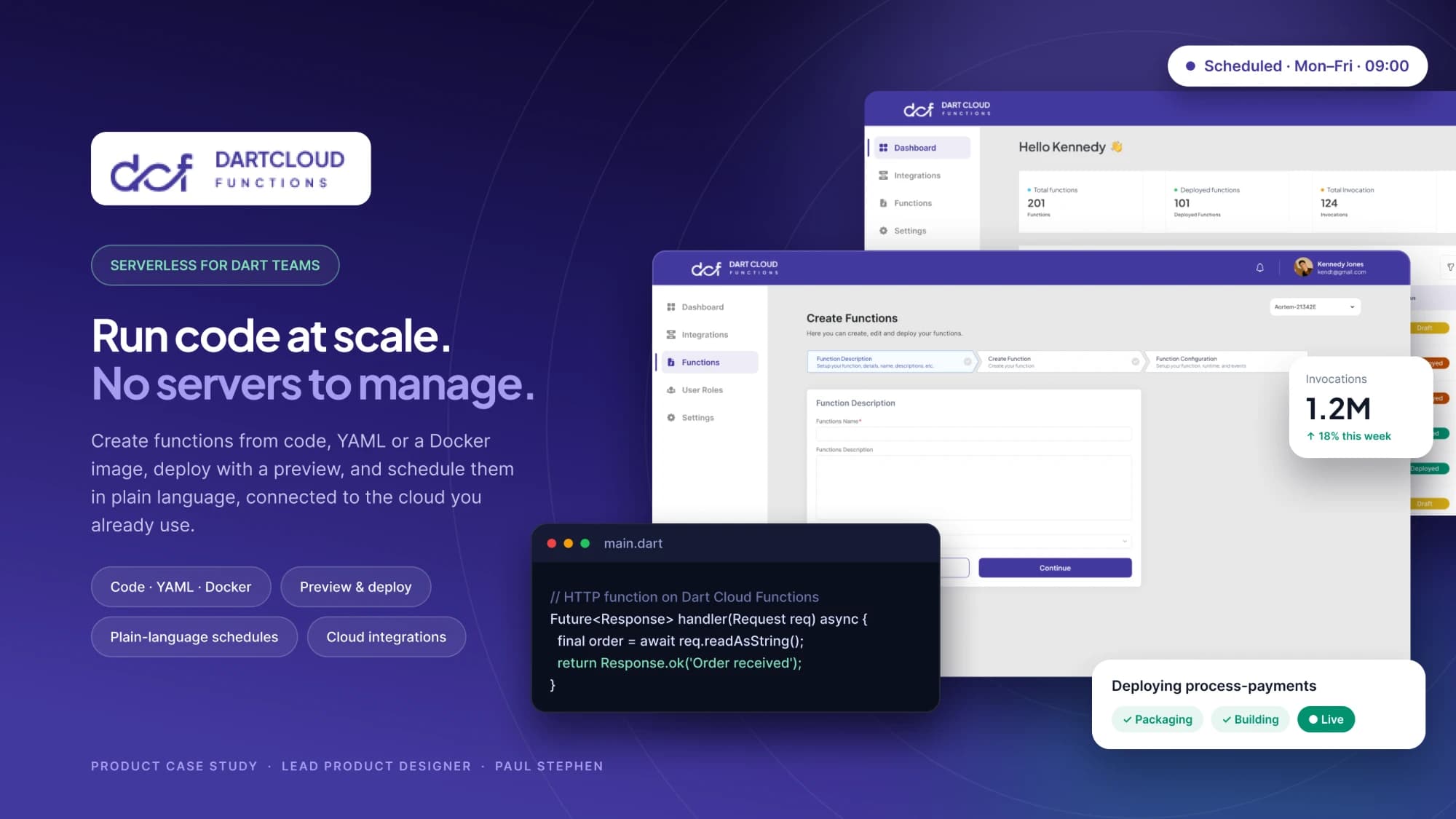
Aortem's serverless platform for backend logic written in Dart. Flutter teams write functions in the language they already use and deploy without managing servers, containers or a second language.
- Lead Product Designer, Aortem
- Feb – Apr 2025
- Web console and CLI
- Figma, FigJam
Context & problem.
Dart Cloud Functions sits inside Aortem's Dart-native ecosystem beside IntelliToggle and TechniDox. The console mirrors the CLI's language, because most deploys start in a terminal.
Flutter developers can build a whole app in Dart, then hit a wall the moment they need a backend. Serverless platforms centre on JavaScript, Python and Go, so Dart teams rewrite logic in another language, duplicate their data models, or hand-build containers.
How might we let a Flutter developer go from a Dart function on their laptop to a live, observable endpoint, without leaving Dart or learning infrastructure?
Who it’s for.
Flutter developers who need backend logic, and the teams who operate and monitor it.
Goals.
One language, end to end
- Write, test and deploy functions in Dart
- Share types and validation between app and function
Deploy in one step
- One CLI command or console action from code to live URL
- Sensible defaults, editable later
See what is happening
- Logs, invocations, errors and latency per function
- Deploy status in plain language: building, live, failed, and why
Make changes safe
- Versioned deployments with one-click rollback
- Secrets managed per environment
Structure & flow.
- Install CLI
- Log in
- Create project
- Pick a template
- Write handler
- Test locally
- Deploy
- Get live URL
- Add secrets
- Monitor
- Roll back or iterate
Design decisions.
Deploy status people can trust
- A spinner during deploy leaves people unsure anything is happening.
- Staged progress (Packaging, Building, Starting, Live) in both CLI and console, ending with the live URL and a test command.
From error to cause
- Raw stack traces in a log stream turn a failure into a search.
- Errors grouped with count, first and last seen, the failing request and a plain-language summary above the trace.
Secrets by environment
- It is easy to lose track of which environment a secret applies to.
- A secrets-by-environment matrix with masked values, and environment badges everywhere a secret is used.
The solution.
Functions overview
Every function with status, trigger type, invocations, error rate and p95 latency.
Function detail
Live URL and a copy-ready test command up top; invocation, error and latency charts; recent logs below.
Deploy experience
Staged progress, readable failure reasons and a link to the exact log line.
Versions and rollback
A timeline of deployments with who shipped what, and one click to restore.
What I learned.
Design the CLI as seriously as the screen.
For developers, the terminal is usually the first interface.
Status beats speed.
A clearly staged deploy feels faster than an unexplained wait.
Errors are a UX surface.
Grouping and plain-language summaries turn panic into a next step.
TechniDox